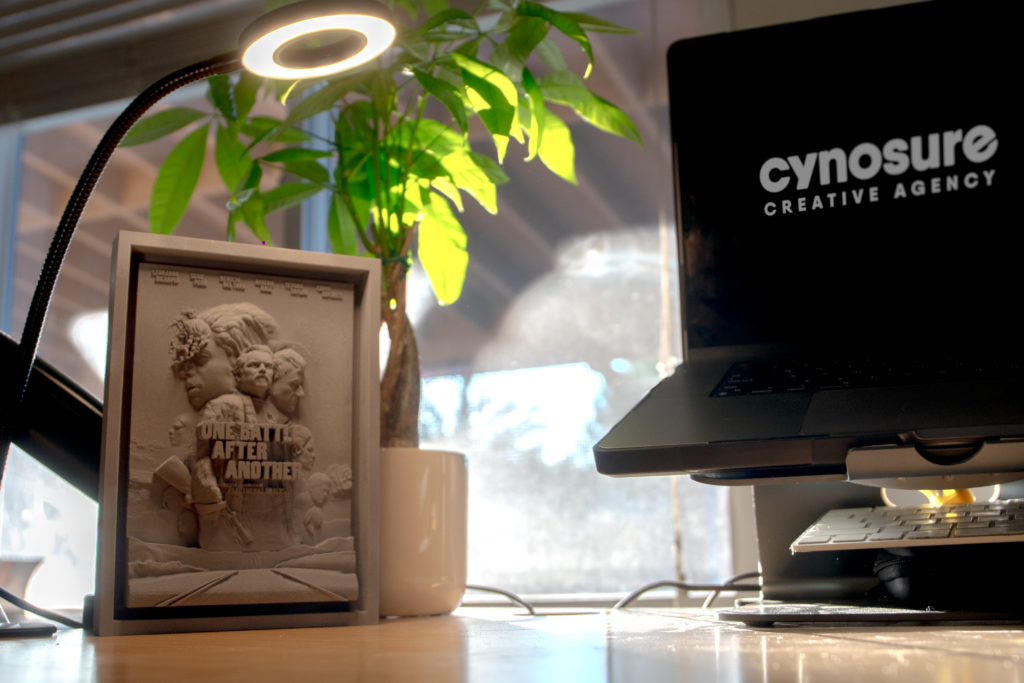

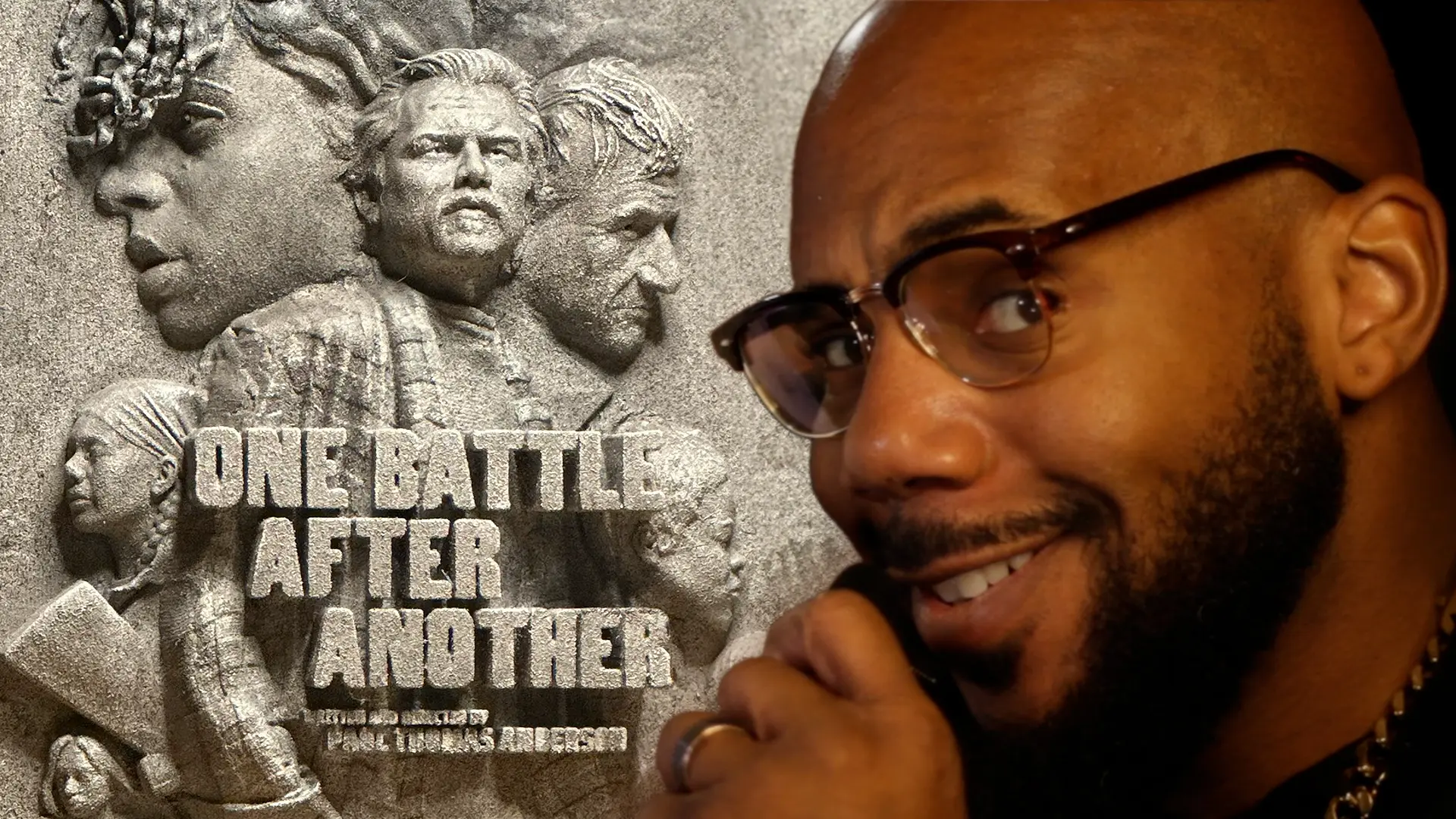
What started as a simple thank-you to Warner Bros. turned into my first 3D-printed piece of key art. Here’s how I took a flat movie poster and gave it a whole new dimension.
This could have been an email.
A nice email, too. Something like, “Thank you for the opportunity. We really appreciate the partnership.”
But instead, I turned a movie poster into a 3D-printed sculpture.
Sensational. S/O im6footseven (IYKYK)
As a creative director and co-founder of Cynosure Creative Agency, I’ve spent more than a decade working across film, advertising, social media, design, and all kinds of other creative chaos. But no matter how long we’ve been doing this, getting the opportunity to work on a major movie campaign still feels special.
So, when Warner Bros. brought us onto the campaign for Paul Thomas Anderson’s One Battle After Another, I wanted to make them something that showed how much the opportunity meant to us.
Not another email. Not a notebook with our logo on it. Not a fruit basket.
I wanted to make something they could actually hold onto.
The final piece was a 3D interpretation of the film’s ensemble key art, sculpted in Blender, printed in resin, and painted to look like it had been carved out of stone.
How Fan Art Helped Create the Opportunity
The funny thing is, this project really started before we were officially working on One Battle After Another.
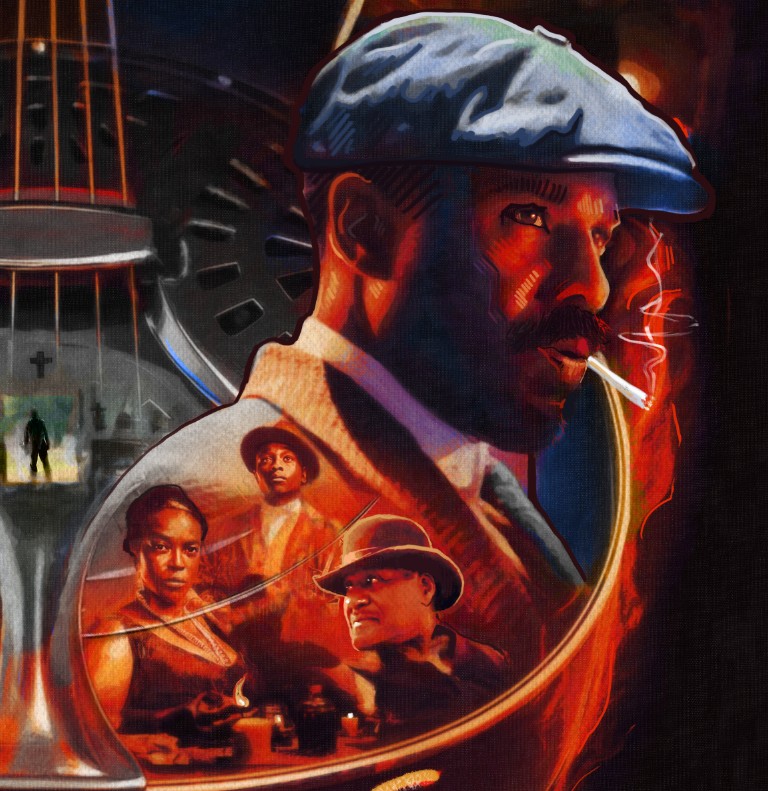
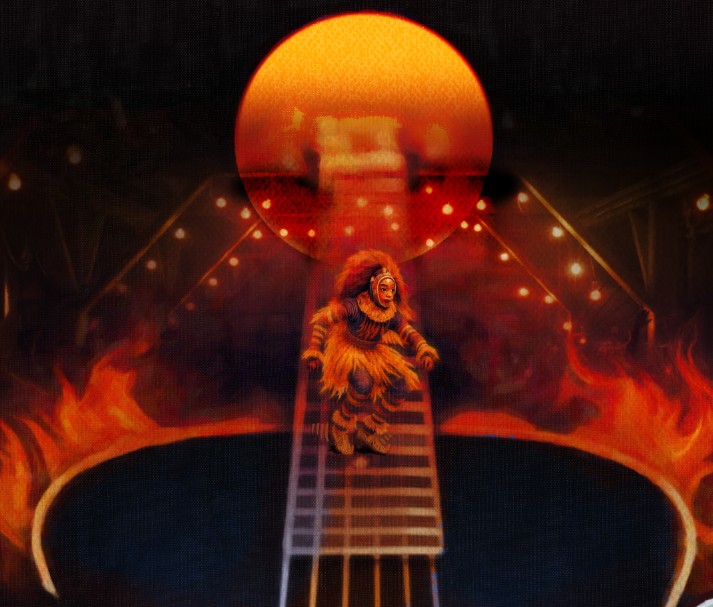
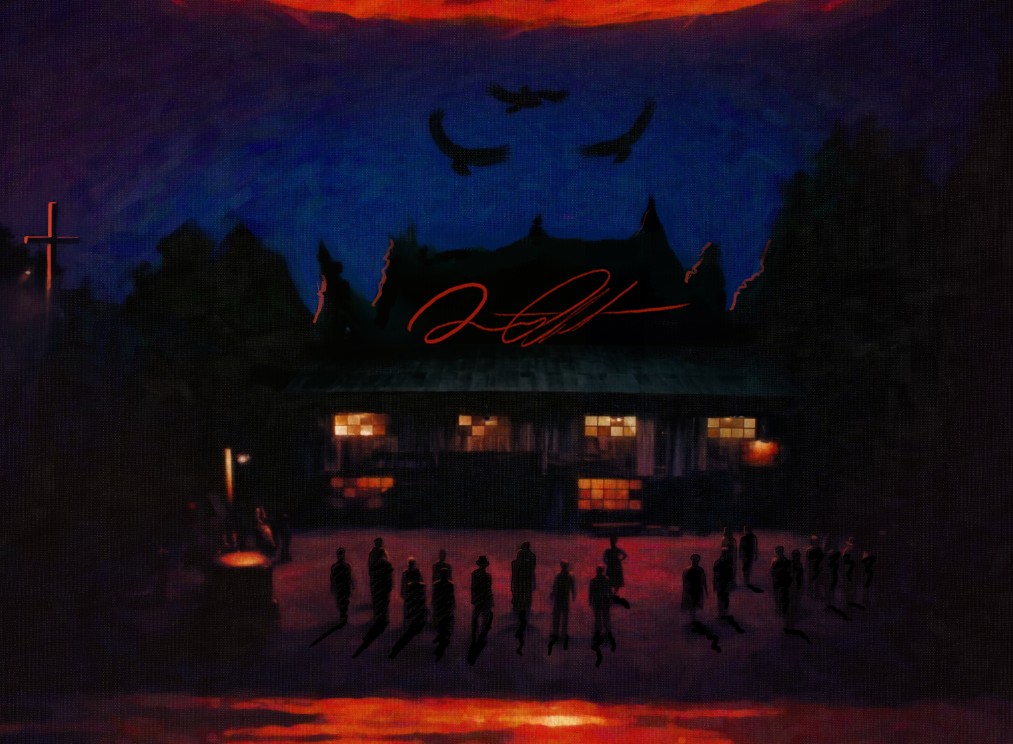
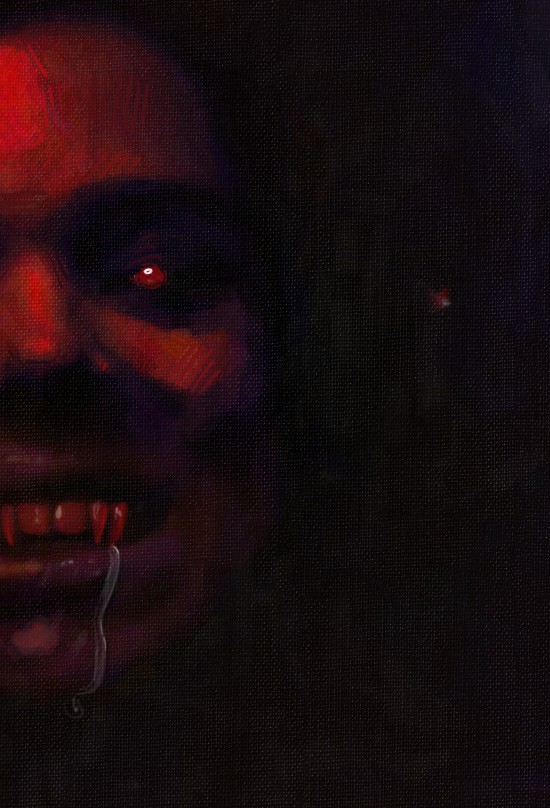
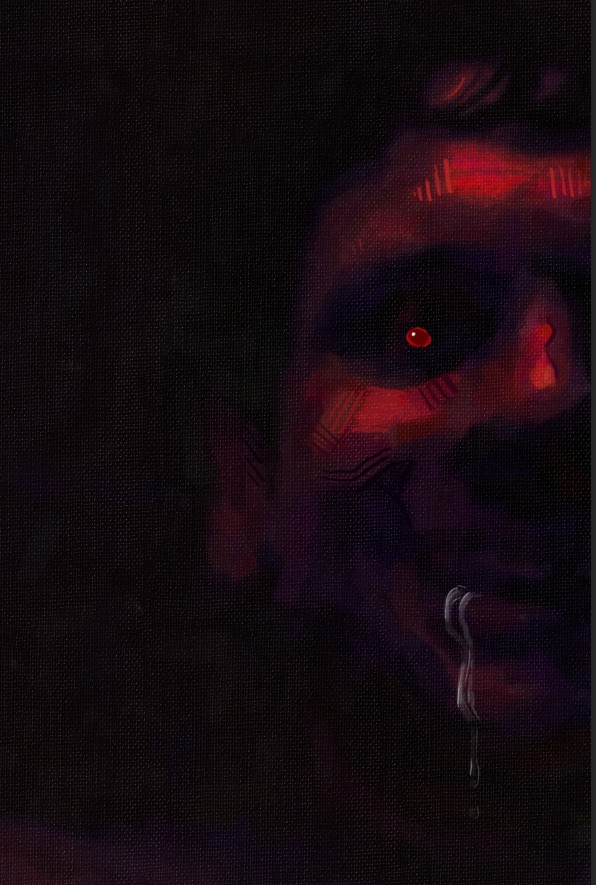
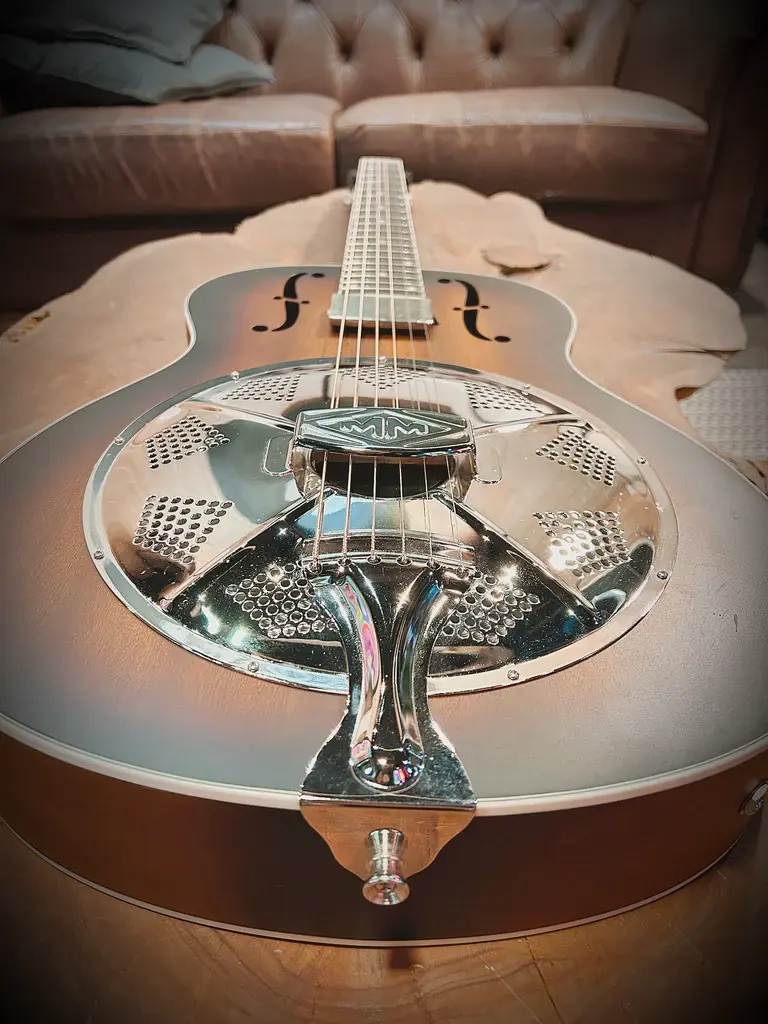
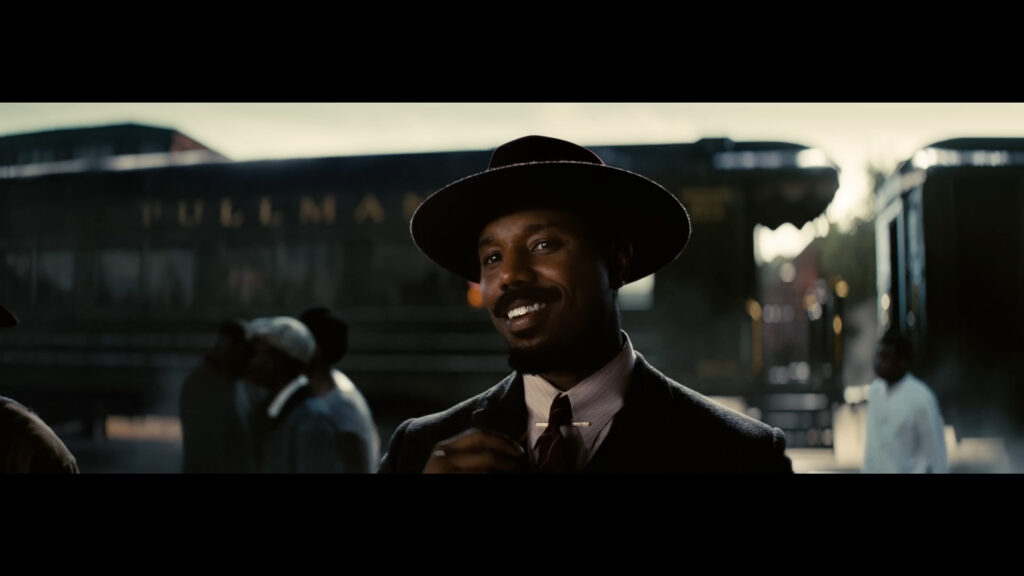
Earlier in the year, I saw Sinners and was genuinely moved by it. We weren’t working on the campaign, nobody asked me to make anything, and there was no client brief.
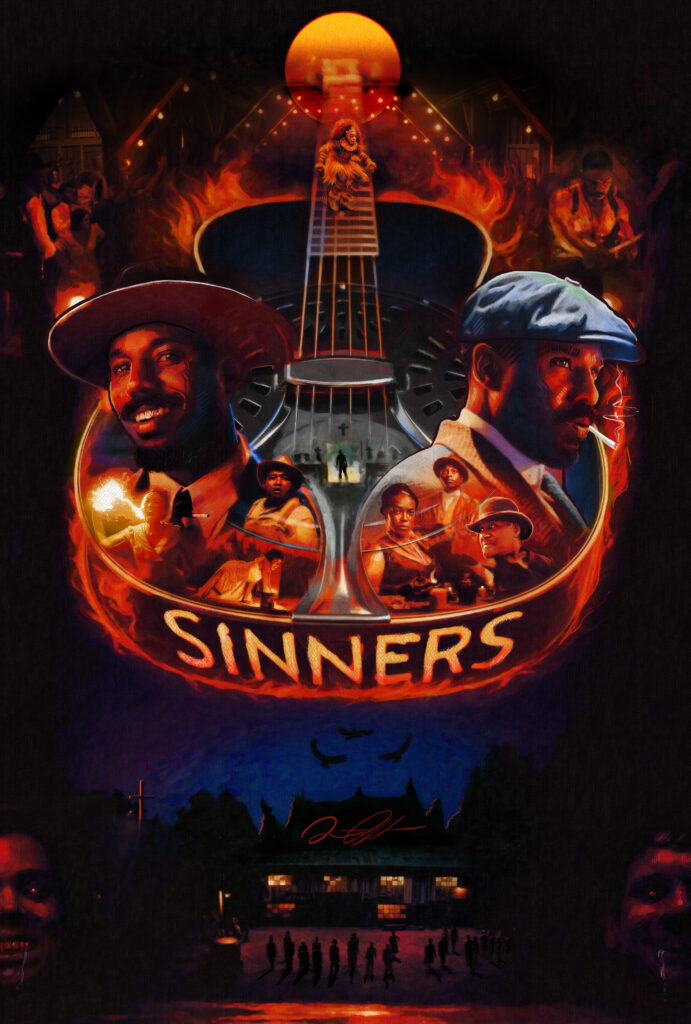
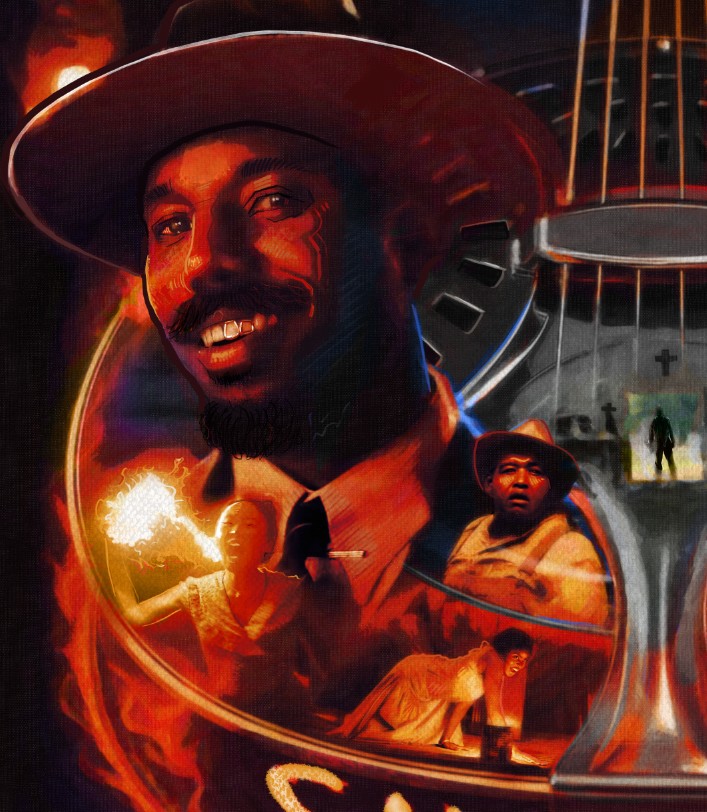
I just wanted to make some art.
So, I created my own version of the key art based on how I interpreted the movie and posted it online.
That was it. No master plan. No secret marketing strategy.
I made something I liked, and I shared it.
The people we had worked with at Warner Bros. saw it, saw my name attached to it, and not too long after that, they reached out and said they had another project they wanted us to help with.
That project just happened to be One Battle After Another.
That whole experience reminded me that creativity really does create more creativity and more opportunity.
So, if you’re sitting on work because it isn’t perfect, nobody commissioned it, or you don’t know what people are going to think, post it.
Just post it.
People can’t respond to work they never get to see.
Choosing the Right Poster
Most movies don’t just have one poster.
They usually have a bunch of different versions, including teaser posters, individual character posters, two-character posters, ensemble posters, and artwork made for different platforms or placements.
For this project, I decided to use one of the ensemble posters featuring several members of the cast.
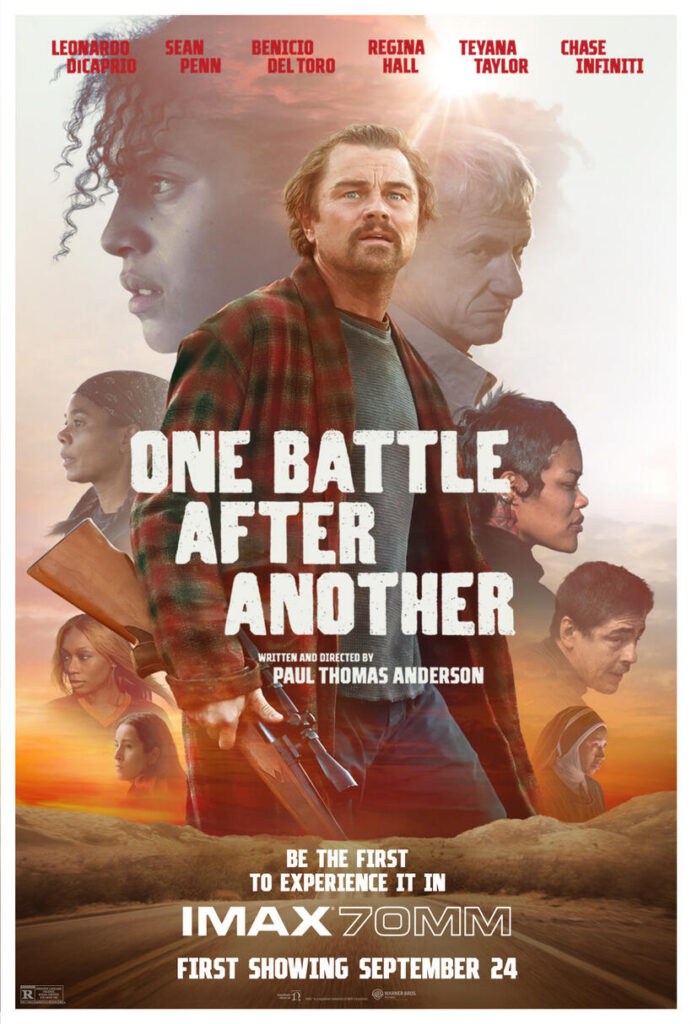
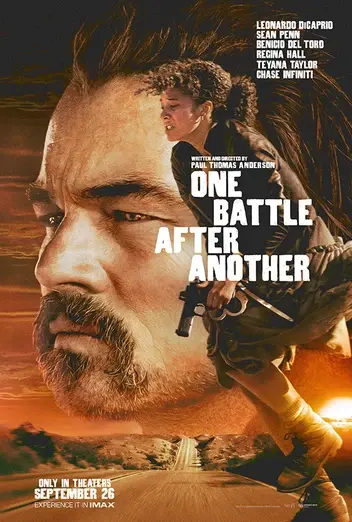
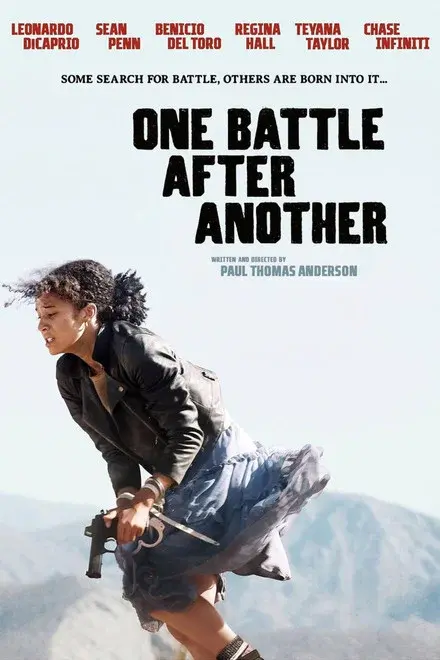
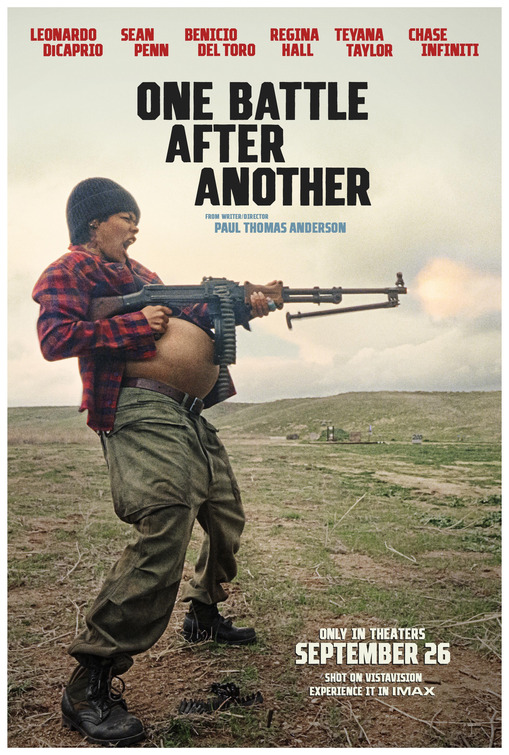
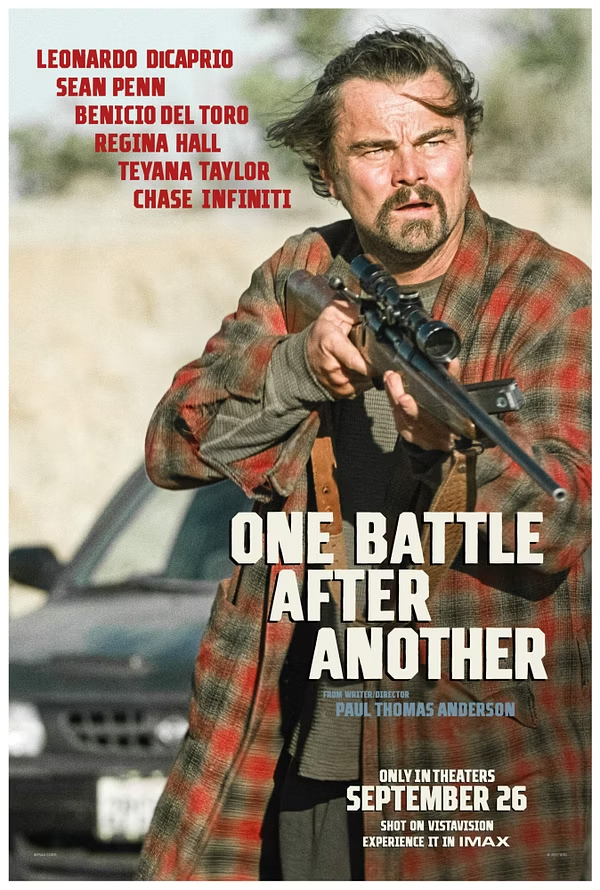
If you aren’t familiar with the term, key art is basically the main artwork used to sell or promote a film or television show.
This particular style is often called a floating-head or ensemble poster because it features several different cast members in one composition.
Ensemble posters make a lot of sense when you’ve got a cast full of people with their own fan bases. Maybe you came for Leonardo DiCaprio. Maybe you’re a Regina Hall fan. Maybe you’ll watch anything with Benicio del Toro in it.
Put everybody on the poster, and now you’ve got everybody’s attention.
The downside is that turning all those faces into one small sculpture is a whole lot more complicated than it sounds.
The Depth Map That Almost Ruined Everybody’s Face
My first plan was to create a depth map from the poster.
A depth map is basically a black-and-white image that tells a 3D program which parts of an image should come forward and which parts should sit farther back.
Lighter areas usually come forward. Darker areas usually move back.
In theory, you can take a flat image, apply a depth map to some geometry, and suddenly you’ve got a 3D version of the image.
In theory.
The problem is that automatic depth maps are never perfect. They are making guesses about what they see. They don’t always understand the difference between a nose, a shadow, a braid, a headscarf, or part of the background.
I cleaned the map up in Photoshop, brought it into Blender, applied it to the geometry, and looked at the results.
Oh, hell no.
Everybody looked terrifying.
This was the moment when the project went from, “I can probably finish this in a day,” to, “Well, damn.”
The depth map gave me a starting point, but it was not going to give me the level of detail I wanted.
So, I ended up rebuilding and sculpting most of it myself.
Rebuilding the Cast in Blender
Once I accepted that the easy route was no longer available, I started working through the individual characters in Blender.
Each face needed extra modeling and sculpting so it would still be recognizable once it was printed. A detail that looks fine on your computer screen can disappear completely when you shrink it down and turn it into a physical object.
Sometimes you have to exaggerate certain features just to make them read correctly at a smaller scale.
Regina Hall’s braids were a good example. The depth-map version technically had braids, but they looked flat and mushy. Once I modeled them separately, the difference was night and day.
Her headscarf needed extra attention, too. I took the paisley-style pattern, turned it into a sculpting brush, and pressed that texture directly into the digital model.
Those little details are what make the difference between something that feels intentional and something that looks like a melted version of the original poster.
Turning the Models Into Bas-Relief
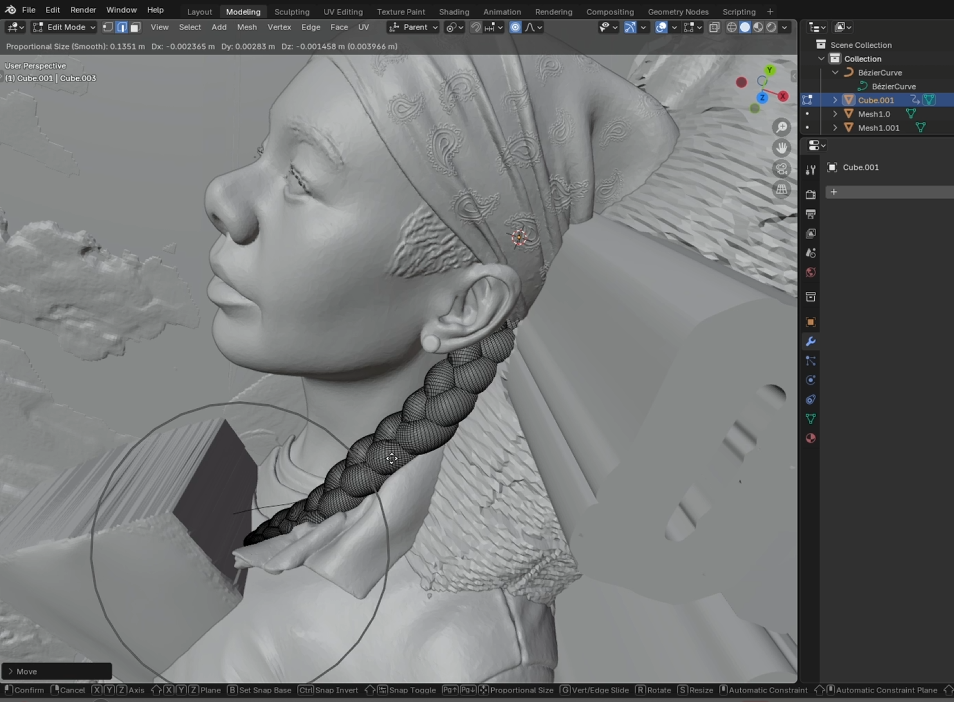
After sculpting the characters, I used a Blender add-on called Basify to help turn everything into a bas-relief.
Bas-relief is a type of sculpture where the subject sticks out from a flat surface instead of being a fully freestanding statue.
You’ve probably seen it on old buildings, monuments, medallions, or coins.
Pull a quarter out of your pocket. George Washington’s face is a bas-relief.
I personally like my reliefs to have a little extra drama. I want the characters to feel like they are actually popping out of the surface.
Sometimes you’ve got to pop out.
Basify is helpful because it flattens the models and removes a lot of the overhangs and undercuts that can make 3D printing more complicated.
The issue is that removing those undercuts can also remove some of the life from a face. A nose, mouth, or chin can start looking flat, or the whole character can look like they were cut out with a cookie cutter.
It worked well for some of the smaller, shallower portraits. But it did not work nearly as well for some of the larger faces.
The first print made that very clear.
Some of the characters weren’t deep enough. Some of the facial features disappeared. Other parts looked too flat.
So, I went back into Blender and redid a bunch of it.
The whole thing.
Again.
Recreating the Movie’s Title Treatment
After the portraits were working, I moved on to the typography.
The title is one of the most important communication tools on a movie poster, so it had to feel right.
A film’s title treatment is more than just typing the movie’s name in a font. A lot of title treatments start with an existing typeface, but then the letters get customized to make the final logo feel unique to that movie.
Scream is a good example. The title is based on Futura, but it has been edited enough that it feels specific to the franchise.
Same, same, but different.
The One Battle After Another title treatment also had its own textures, spacing, and custom letter details. I had to study those elements and recreate them in 3D so the title felt like part of the sculpture, not something I just slapped on top of it.
I also needed to pay attention to the cast names.
One thing people may not realize is that the placement of names on movie posters is not random. There are contracts that can determine where a name appears, how large it is, and what order the actors are listed in.
The small, condensed text at the bottom of a movie poster is called the billing or credit block.
I left that off this piece because the sculpture was designed to sit on a desk or bookshelf. At that size, the credits would have been tiny and almost impossible to read.
I wasn’t trying to reproduce every single piece of the poster. I wanted to preserve the parts that made it immediately recognizable.
Preparing the Sculpture for Printing
Once the model was finished, I brought it into CHITUBOX.
CHITUBOX is a slicer, which means it takes a 3D model and converts it into thousands of extremely thin layers.
The resin printer then builds the object one tiny layer at a time until the full sculpture is complete.
I printed the piece on my Peopoly Phenom using Siraya Tech Blu Tough resin.
I like that resin because it is less brittle than a lot of standard resins. That matters when you have raised faces, lettering, braids, and a bunch of smaller details that could easily snap.
The print itself came off the supports without too much trouble.
The supports did not come off the build plate without trouble.
Those things were stuck.
I couldn’t find my plastic scraper, so I used the metal one that came with the printer.
Never do this.
That metal scraper is a scam. They give it to you so you can destroy your build plate and buy another one.
I scratched the hell out of mine.
I was so mad that I immediately went online and ordered a whole set of plastic scrapers.
Sometimes the lesson is not about art. Sometimes the lesson is, “Do not use this tool ever again.”
Figuring Out How to Paint It
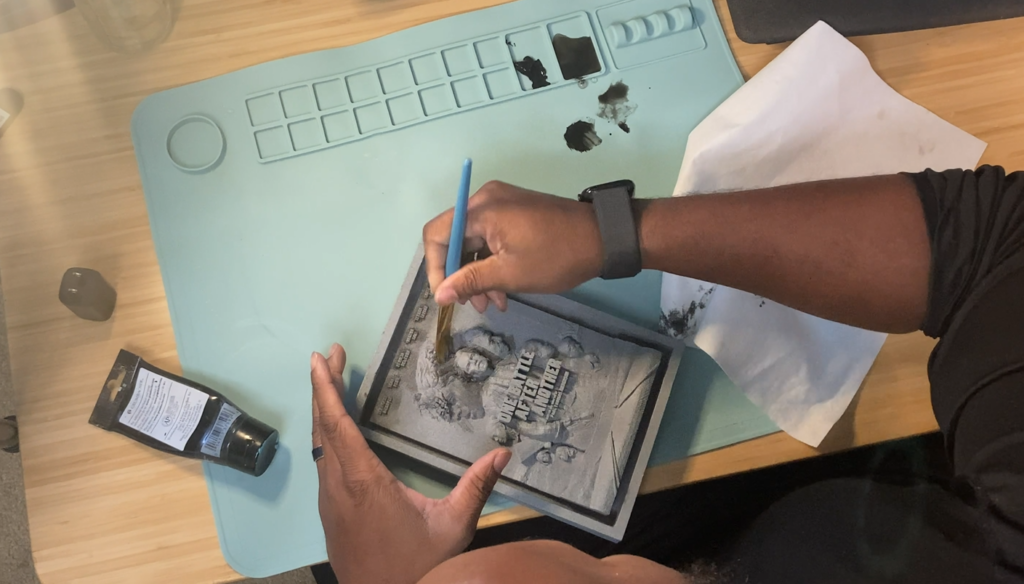
Once the print was cleaned and cured, I had to decide how I wanted to paint it.
My first thought was to paint the whole thing white.
Clean. Simple. Modern.
Also easy.
I posted it online and asked people what they thought, mostly because I wanted everybody to validate my lazy decision.
A lot of people told me to leave it white.
My wife looked at me and said, basically, “Stop being lazy. Get your airbrush out and paint it.”
I tested the white finish anyway.
It was disappointing.
The flat white did not have enough contrast, and a lot of the smaller details disappeared.
So, I split the difference.
Instead of painting the piece in full color like the original poster, I gave it a stone finish. I wanted it to feel like it had been cast in concrete or carved out of an old monument.
I used a spray-on stone texture, then washed watered-down black acrylic paint into the crevices to bring out the shadows and details.
After that, I added lighter highlights to the raised surfaces, similar to how stone becomes smoother and brighter in the areas people touch over time.
That finish gave the piece more weight.
It stopped feeling like a resin print and started feeling like a small monument to the movie.
Making It About the Film, Not About Us
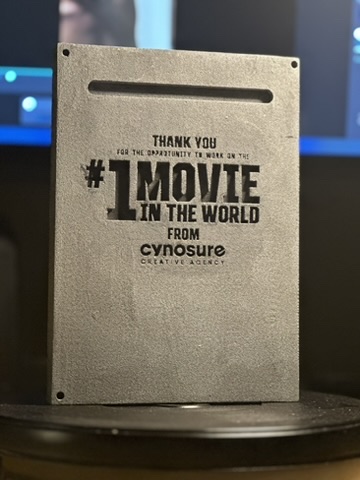
I also added a thank-you message to the back of the sculpture.
The front stayed completely focused on the movie. Our agency information was hidden on the back, so the Warner Bros. team could put the piece on a shelf or hang it on a wall without it feeling like an advertisement for Cynosure.
I believe in serving the piece more than serving ourselves.
The gift needed to feel like a genuine tribute to the film and the opportunity. It didn’t need our logo yelling for attention on the front.
I also didn’t record myself giving it to the client.
I know everything is content now, but I don’t believe in living every part of your life for content.
Sometimes it is better to just be in the moment and share it with the people who are actually there.
But they did smile.
They really seemed to like it.
And that made my inner artist very happy.
Giving the Work Another Dimension
The best part of this project was not just turning a poster into a sculpture.
It was taking something familiar and transforming it into something people could experience in a completely different way.
Could I keep the feeling and visual hierarchy of the original artwork while changing the format? Could a regular client thank-you become a piece of art someone might actually keep?
At the end of the day, all the software, resin, printers, paint, and sculpting techniques are just tools.
The real question is whether the final piece makes somebody feel something.
Can you evoke a feeling?
Can you take something from one state and transform it into another?
Can you add another dimension to the work?
In this case, literally.
Creativity Has to Be Seen
Part of the reason I’m sharing more of my process is because I want people to see what creative work actually looks like.
Not just the polished final image.
The failed depth maps. The weird faces. The prototypes. The scratched build plates. The moments where you realize the project is going to take three times longer than you thought.
I want aspiring designers and creative directors to understand the process behind the work and what it looks like to build a career in design, advertising, entertainment, 3D art, and creative leadership.
More than anything, I want more people who look like me to see themselves doing this kind of work.
It has to be seen before it can be duplicated.
So, I’m going to keep sharing the projects, the process, the mistakes, and the things I learn along the way.
Because sometimes the random piece of fan art you decide to post turns into a major professional opportunity.
And sometimes a thank-you email turns into a 3D-printed movie poster.